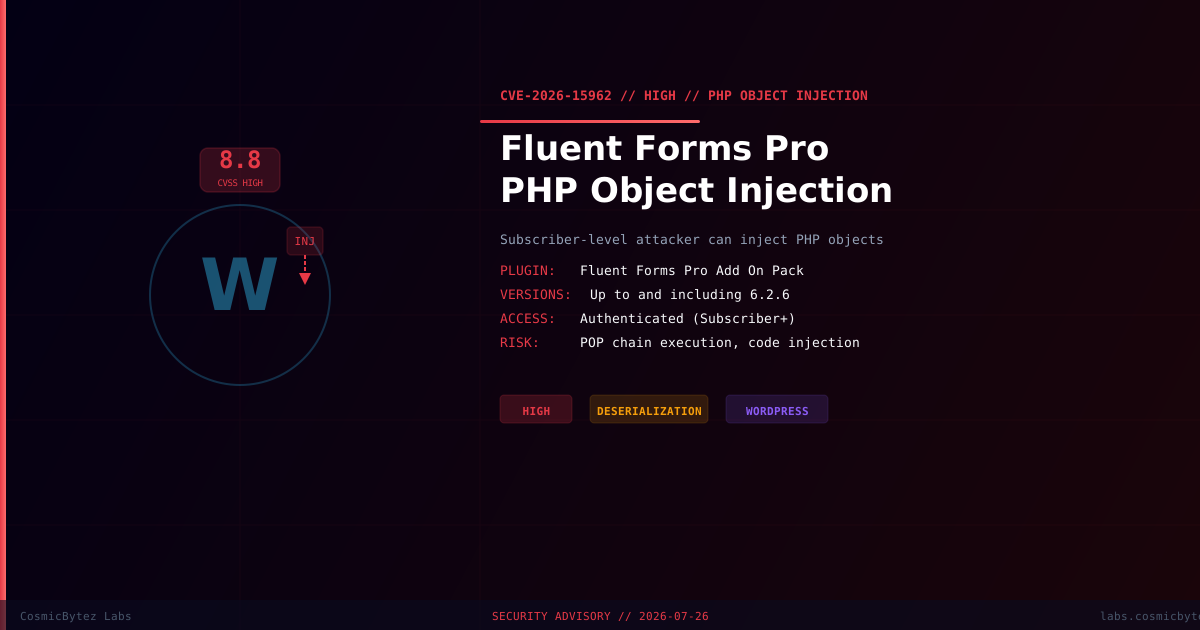
Executive Summary
A high-severity PHP Object Injection vulnerability (CVE-2026-15962) has been disclosed in the Fluent Forms Pro Add On Pack plugin for WordPress. The flaw exists in versions up to and including 6.2.6 and arises from insecure deserialization of untrusted input.
CVSS Score: 8.8 (High)
Any authenticated user with Subscriber-level access or above can exploit this vulnerability to inject a PHP object. If a suitable POP (Property-Oriented Programming) chain is present in the WordPress environment — through Fluent Forms itself or another installed plugin or theme — the injection can escalate to arbitrary file deletion, data exfiltration, or remote code execution.
Vulnerability Overview
| Attribute | Value |
|---|---|
| CVE ID | CVE-2026-15962 |
| CVSS Score | 8.8 (High) |
| Type | PHP Object Injection (Deserialization) |
| Attack Vector | Network |
| Privileges Required | Low (Subscriber+) |
| User Interaction | None |
| Affected Versions | Up to and including 6.2.6 |
Affected Software
| Plugin | Affected Versions | Vendor |
|---|---|---|
| Fluent Forms Pro Add On Pack | <= 6.2.6 | WPManageNinja |
Fluent Forms is one of the most widely deployed WordPress form builder plugins, making the exposure surface significant across shared hosting environments and multi-tenant WordPress installations.
Technical Details
The vulnerability is caused by passing user-controlled data directly into PHP's unserialize() function without sanitization or integrity verification. When an attacker supplies a crafted serialized payload, PHP reconstructs an object graph controlled entirely by the attacker.
How PHP Object Injection Works
1. Attacker crafts a malicious serialized PHP string
2. String is submitted via a vulnerable form field or API parameter
3. Plugin passes input to unserialize() without validation
4. PHP reconstructs attacker-defined objects with attacker-defined properties
5. PHP magic methods (__destruct, __wakeup, __toString) trigger automatically
6. If a POP chain exists, attacker achieves code execution, file write, or deletionPOP Chain Risk
The danger of PHP Object Injection scales with the number of classes available to the attacker:
| Condition | Risk Level |
|---|---|
| No POP chain present | Medium — may still enable DoS or data disclosure |
| POP chain in Fluent Forms | High — arbitrary code or file operations |
| POP chain in co-installed plugin/theme | Critical — full server compromise possible |
Popular plugins such as WooCommerce, Elementor, and Yoast SEO have historically contained POP chain gadgets that elevate PHP Object Injection to RCE.
Attack Scenario
1. Attacker registers as a Subscriber on a public-facing WordPress site
2. Attacker locates input vector that passes data to unserialize()
3. Attacker constructs a serialized payload targeting a known POP chain gadget
4. Payload triggers __destruct on a class with file-write capability
5. Attacker writes a PHP webshell to the wp-content directory
6. Attacker accesses webshell via HTTP — full server compromiseImpact Assessment
| Impact | Description |
|---|---|
| Arbitrary File Deletion | Delete WordPress core, plugin, or theme files |
| Arbitrary File Write | Drop webshells or backdoor files (POP chain required) |
| Remote Code Execution | Execute OS commands on the server (POP chain required) |
| Data Exfiltration | Access database credentials and user data |
| Privilege Escalation | Create rogue admin accounts |
| Persistent Backdoor | Maintain access after plugin update |
Remediation
Step 1: Update Fluent Forms Pro
Update to the latest available version of Fluent Forms Pro Add On Pack immediately via:
- WordPress Admin → Plugins → Installed Plugins → Fluent Forms Pro → Update Now
- WP-CLI:
wp plugin update fluentformpro

# Verify version
wp plugin get fluentformpro --field=versionStep 2: Audit Your Plugin Ecosystem
# List all active plugins (potential POP chain sources)
wp plugin list --status=active --fields=name,version

# Check for known vulnerable serialization patterns
grep -r "unserialize(" /path/to/wp-content/plugins/ --include="*.php" -lStep 3: Restrict Subscriber Capabilities
If update is not immediately possible, restrict user registration or subscriber-level access:
# Disable open user registration temporarily
wp option update users_can_register 0

# Review users at Subscriber level
wp user list --role=subscriber --fields=ID,user_login,user_emailStep 4: Deploy WAF Rules
Add WAF rules to block serialized PHP payloads in form submissions:
# Block serialized PHP objects in request bodies (Nginx example)
location / {
    if ($request_body ~* "O:[0-9]+:") {
        return 403;
    }
}Detection Indicators
| Indicator | Description |
|---|---|
Unusual POST parameters containing O: | Serialized PHP object payloads |
New PHP files in wp-content/uploads/ | Potential webshells dropped via POP chain |
Access to unfamiliar .php files in uploads | Webshell execution |
| Unexpected admin account creation | Post-exploitation persistence |
| Outbound connections from web process | Data exfiltration attempt |
Post-Remediation Checklist
- Confirm plugin updated to a patched version
- Scan for webshells in all web-accessible directories
- Review all subscriber-level user accounts for unauthorized registrations
- Rotate WordPress salts and secrets:
wp config shuffle-salts - Rotate database password and update
wp-config.php - Enable file integrity monitoring (Wordfence, iThemes Security)
- Review access logs for POST requests with serialized PHP payloads
- Test WAF rules to confirm serialized payloads are blocked
References
- NVD — CVE-2026-15962
- Wordfence — Fluent Forms Pro Vulnerability Disclosure
- OWASP — PHP Object Injection