Executive Summary
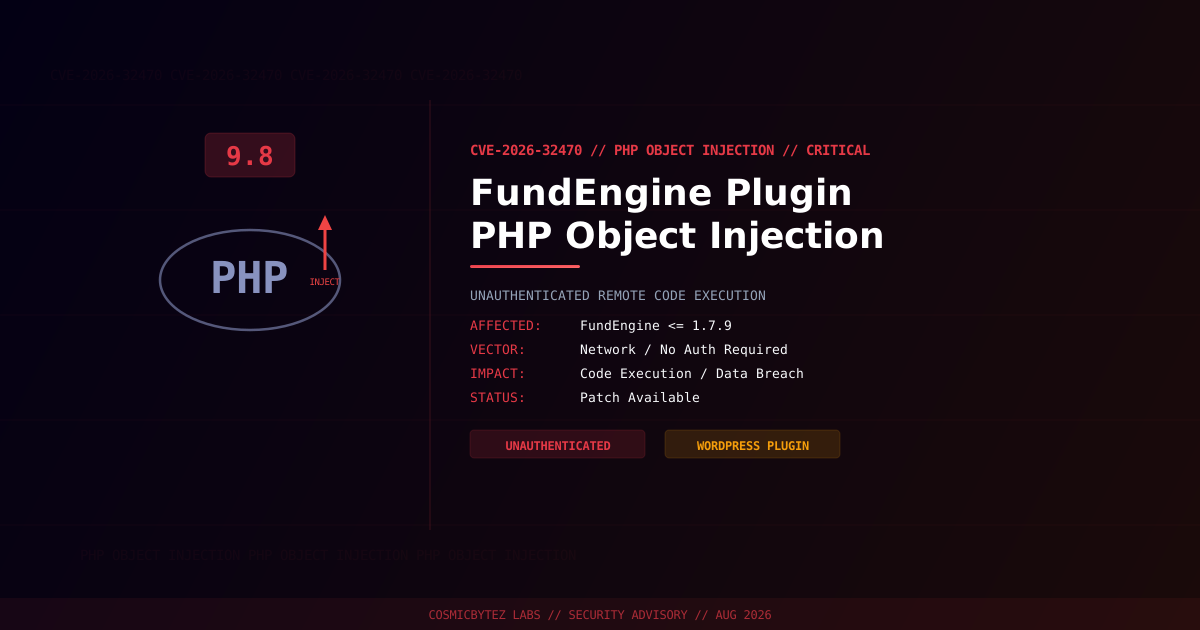
A critical unauthenticated PHP Object Injection vulnerability (CVE-2026-32470) has been disclosed in the FundEngine WordPress plugin affecting all versions up to and including 1.7.9. The vulnerability carries a CVSS score of 9.8 and allows remote attackers to inject a PHP object without any authentication, potentially leading to remote code execution, data exfiltration, and full site compromise when a suitable POP (Property-Oriented Programming) chain is present.
CVSS Score: 9.8 (Critical)
PHP Object Injection vulnerabilities arise when user-controlled data is passed into PHP's unserialize() function without adequate sanitization. If a POP chain exists within the application or installed plugins/themes, an attacker can trigger arbitrary code execution, file manipulation, or privilege escalation.
Vulnerability Overview
| Attribute | Value |
|---|---|
| CVE ID | CVE-2026-32470 |
| CVSS Score | 9.8 (Critical) |
| Type | Unauthenticated PHP Object Injection |
| Attack Vector | Network (no authentication required) |
| Privileges Required | None |
| User Interaction | None |
| Scope | Changed |
Affected Versions
| Plugin | Affected Versions | Fixed Version |
|---|---|---|
| FundEngine | <= 1.7.9 | > 1.7.9 (patch required) |
Technical Analysis
PHP Object Injection occurs when user-supplied data is deserialized via unserialize() without validation. An attacker crafts a malicious serialized PHP object and submits it to a vulnerable endpoint in FundEngine. If the WordPress installation or any co-installed plugin provides a usable POP chain, the attacker can execute arbitrary PHP code on the server.
Attack Chain
1. Attacker identifies WordPress site running FundEngine <= 1.7.9
2. Attacker crafts a malicious serialized PHP object payload
3. Payload is submitted to the vulnerable unauthenticated endpoint
4. FundEngine calls unserialize() on attacker-controlled input
5. PHP instantiates attacker-chosen class with attacker-controlled properties
6. POP chain (from FundEngine, WordPress core, or another plugin) triggers
7. Arbitrary code execution / file write / data exfiltrationImpact of Successful Exploitation
| Impact | Description |
|---|---|
| Remote Code Execution | Execute arbitrary PHP code via POP chain |
| File Manipulation | Read, write, or delete arbitrary files on the server |
| Data Exfiltration | Access WordPress database credentials and user data |
| Backdoor Installation | Drop persistent webshells or rogue admin accounts |
| Lateral Movement | Pivot to other sites on shared hosting environments |
Immediate Remediation
Step 1: Update or Disable FundEngine
Check your WordPress dashboard for an available update to FundEngine. If no patch is yet available through the plugin repository, deactivate and remove the plugin immediately.
# Via WP-CLI — check current version
wp plugin get fundengine --field=version

# Update if available
wp plugin update fundengine

# Deactivate if no patch is available
wp plugin deactivate fundengineStep 2: Audit Installed Plugins for POP Chain Sources
The severity of PHP Object Injection depends on available POP chains. Audit all installed plugins and themes:
# List all active plugins with versions
wp plugin list --status=active --fields=name,version

# Check for known vulnerable POP chain sources
wp plugin list --status=active | grep -iE "woocommerce|yoast|elementor|jetpack"Step 3: Scan for Existing Compromise
# Look for suspicious PHP files recently modified
find /path/to/wordpress/ -name "*.php" -newer /path/to/wordpress/wp-login.php -type f 2>/dev/null

# Check for common webshell indicators
grep -rl "eval\s*(base64_decode" /path/to/wordpress/wp-content/
grep -rl "assert\s*(" /path/to/wordpress/wp-content/uploads/

# Verify WordPress core file integrity
wp core verify-checksumsStep 4: Web Application Firewall Rules
If immediate patching is not possible, deploy WAF rules to block serialized object payloads:
# Nginx — block serialized PHP object patterns in request body
location ~ /wp-json/fundengine/ {
    if ($request_body ~* "O:[0-9]+:") {
        return 403;
    }
}Detection Indicators
| Indicator | Description |
|---|---|
POST requests with O:[0-9]+: pattern | PHP object injection payload in request body |
Unexpected PHP files in wp-content/ | Webshells dropped post-exploitation |
| New administrator accounts | Privilege escalation via POP chain |
| Outbound connections from web server | Data exfiltration or C2 communication |
| Errors in PHP error log | Deserialization failures revealing exploit attempts |
Post-Remediation Steps
- Confirm plugin is patched or removed
- Scan all PHP files for unauthorized modifications
- Audit WordPress user accounts — remove unknown administrators
- Rotate all credentials: WordPress admin, database, SFTP, API keys
- Regenerate WordPress security keys:
wp config shuffle-salts - Review PHP error logs for deserialization error traces
- Deploy a WAF (Wordfence, Sucuri) for ongoing protection
- Enable file integrity monitoring